
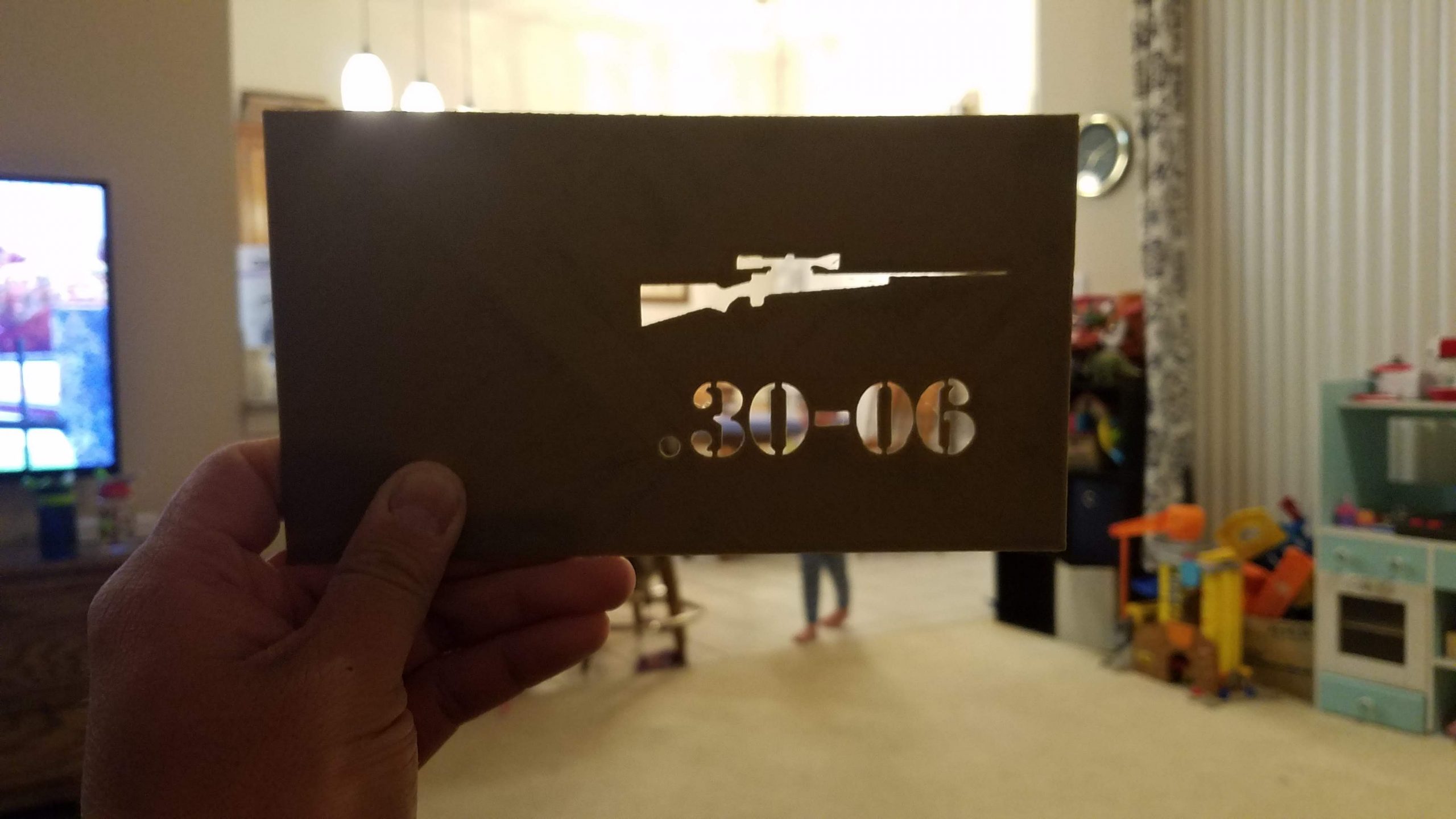
For Christmas, I received a pair of ammo cans. I did recently adopt another cartridge and thus I already knew what the 30 cal can will be dedicated to. A while back I have created labels for all my ammo cans… and my stencils are plastic sheet stencils that I manually cut. They barely worked as spray paint stencils and so I challenged myself to design and prototype print a .30-06 ammo can stencil.
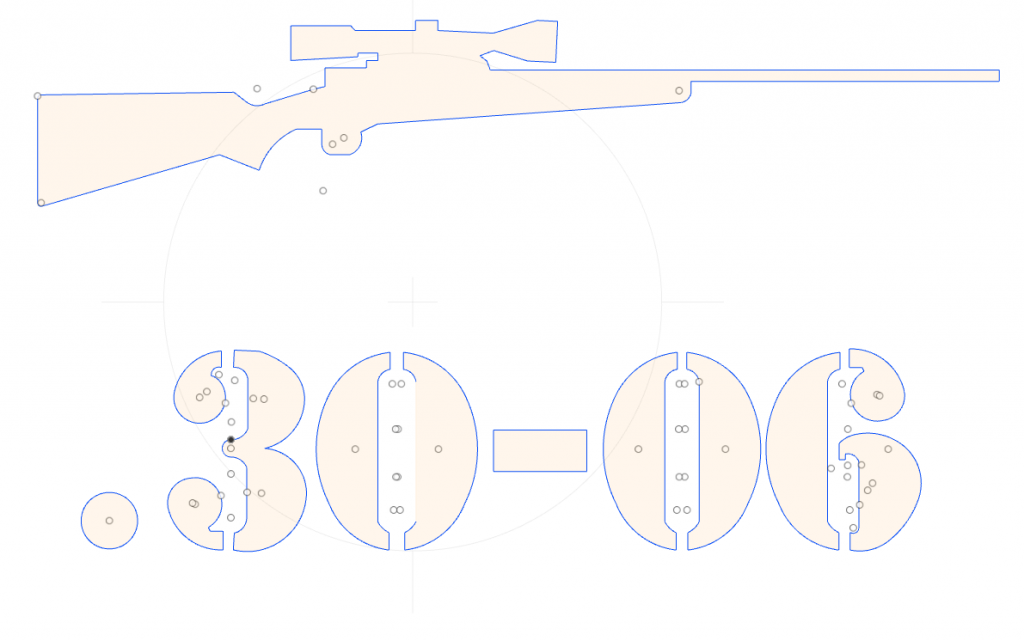
I designed the label by finding a picture of the rifle I possess and finding a “military” style stencil for .30-06. I created a new component in Fusion 360. For that component, you can set a “canvas” and apply your own image and calibrate it to the dimensions you want. For the front face of a 30 cal can, I wanted the label to be 3.5″ wide by 2.5″ tall.
I meticulously traced out the outline of the rifle and letters to create a sketch of the label. Extruded the sketch to get volume and exported the objects as a stl. I am familiar with Autodesk’s tinkercad website and I created the final stencil object in tinkercad. I made a 1mm thick plate of roughly 6″x 4″ and subtracted the label I just created. Exported the final prototype as a stl and had Cura slice it up for printing.