
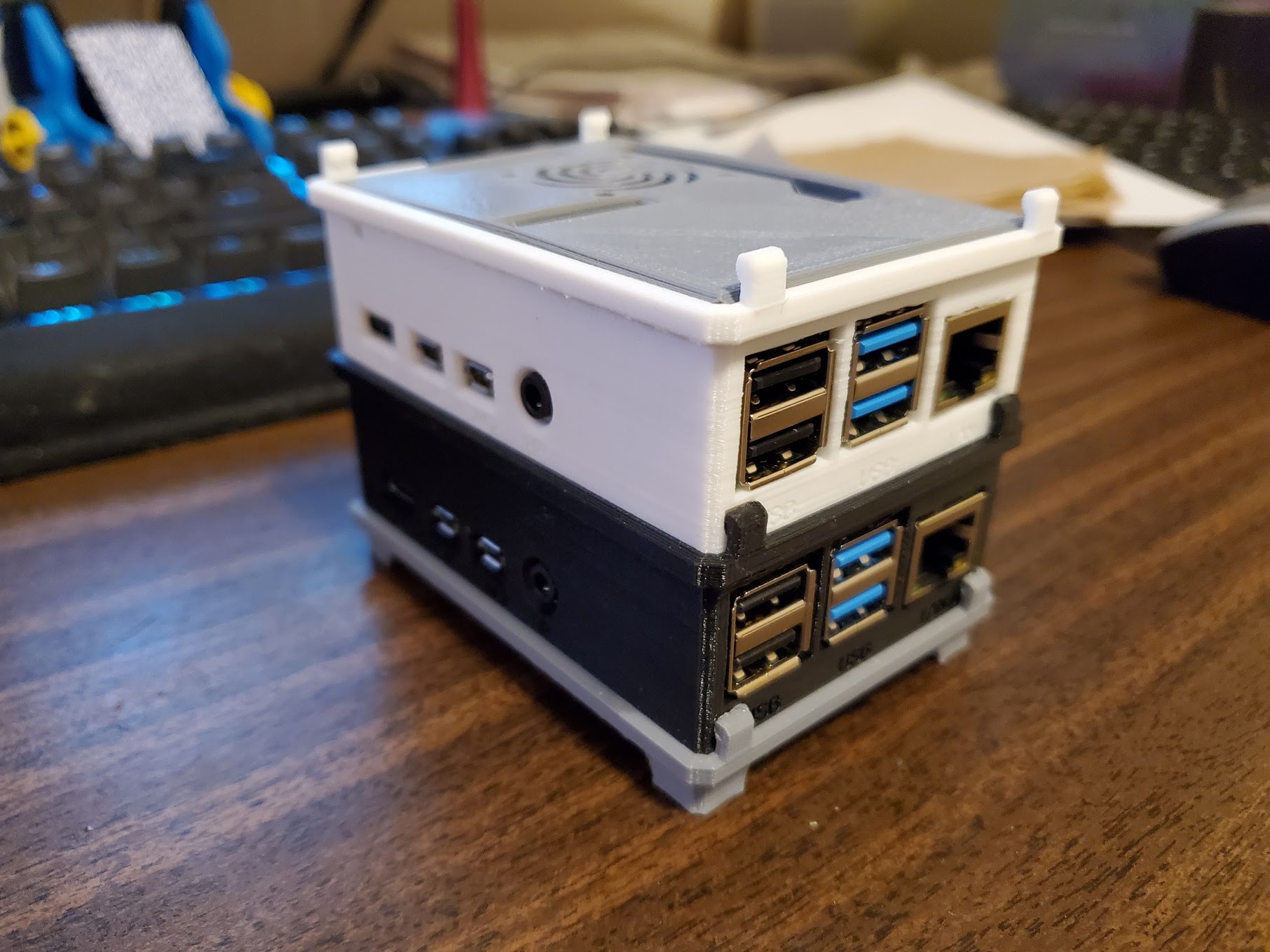
Having issues trying to process 3 video streams with a pc, Dad decided to separate the streams and have a Raspberry Pi 4 do the work for each stream. To begin, he first downloaded Raspbian ‘Buster’. He learned in a pilot configuration that he would rather have full control to install anything he needed (e.g. python 3). Since Dad does not have a micro hdmi to hdmi cable, he had to add a ssh file to the root of boot. This makes Raspbian configure a ssh service during boot and enables it. First thing Dad did was rename the default user and password
sudo adduser temp
sudo adduser temp sudo
! login as temp
sudo pkill -9 -u pi
sudo usermod -l newusername pi
! login back as newusername
passwd
sudo userdel -r temp
After creating an admin user, follow the motioneye documenation to install. https://github.com/ccrisan/motioneye/wiki/Install-On-Raspbian
Which also mention how to upgrade.
sudo pip install motioneye --upgrade
sudo systemctl restart motioneye