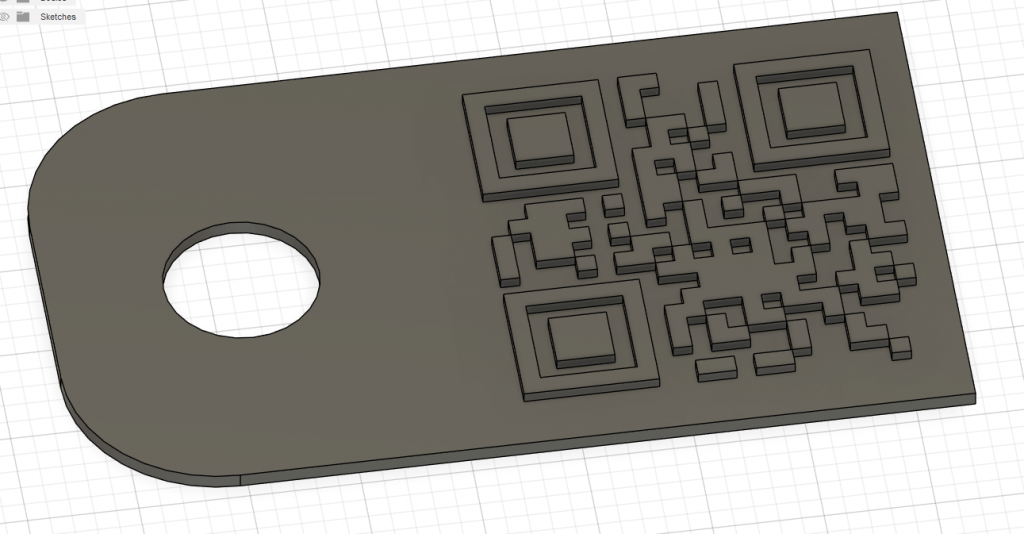
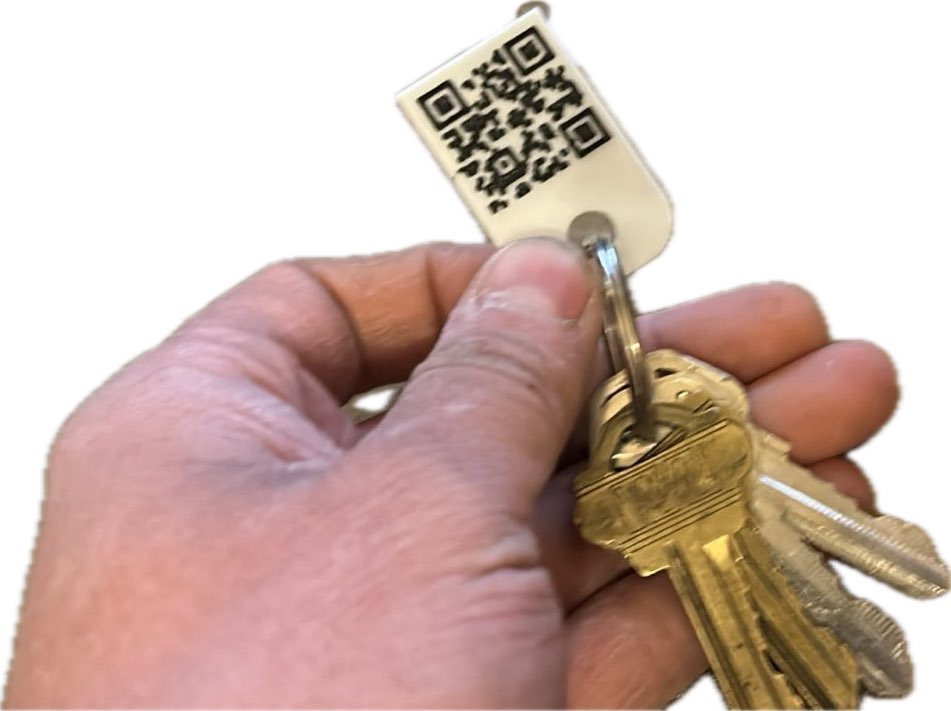
Dad has always used his printer to print customized tags. Started with Christmas tags, it has now grown to tagging anything and everything. QR codes are compact and flat, making them perfect for tagging. Unfortunately, Dad uses Fusion 360 to model, and the qr plugin isn’t free. Here’s how he creates his tags.
Create QR svg
Via inkscape
Extensions ->Render->Barcode->QRcode
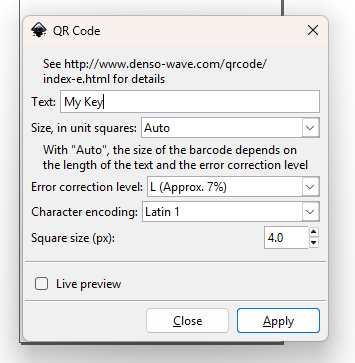
Select the resulting code and save as *.svg
That creates a svg file that looks like this:

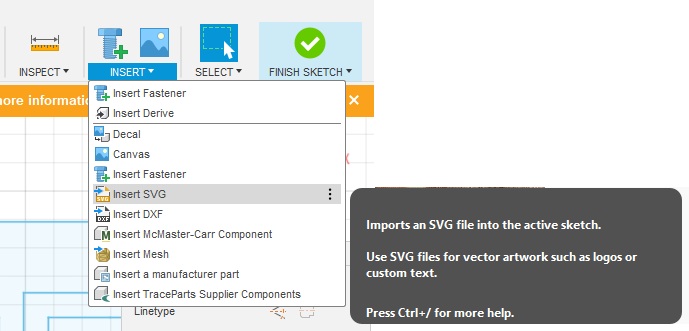
Insert into sketch.
Extrude as appropriate (0.5mm Raised Feature on 0.7mm backer)